
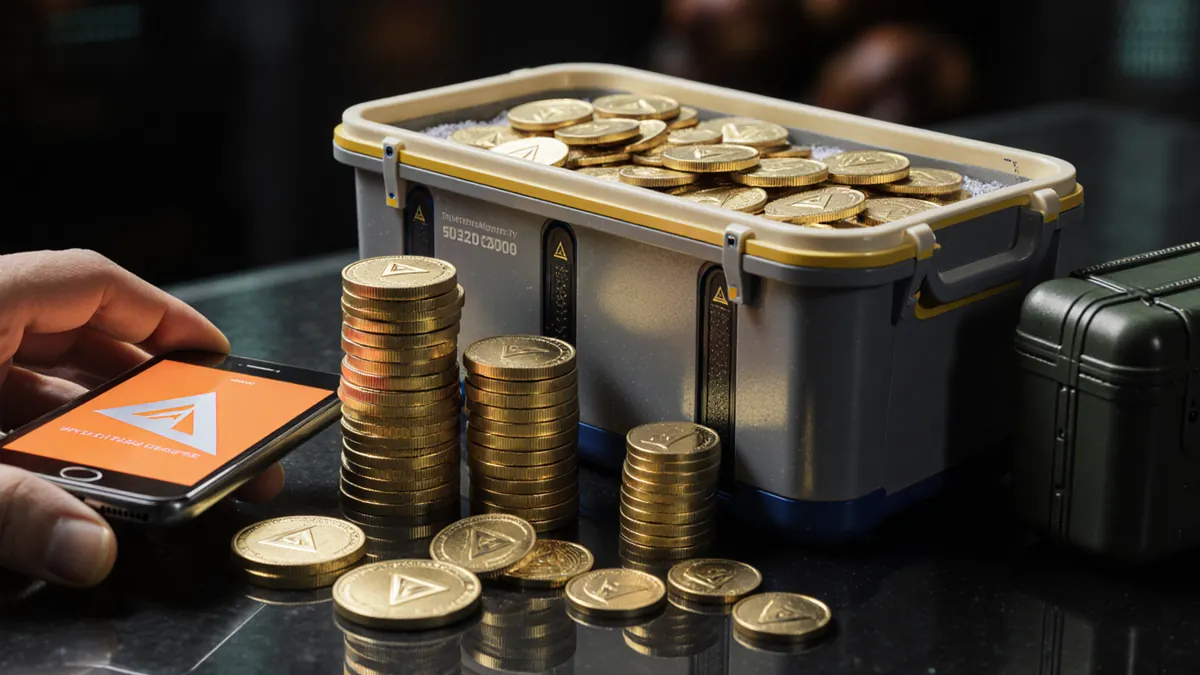
What are Delta Coins?
Delta Coins are Delta Force's premium currency. You buy them with real money and spend them on:
- The season pass
- Skins and cosmetic bundles
- Lucky draws in limited events
Delta Coins are separate from Tekniq Alloy, the money you earn and spend inside Operations mode. See our Tekniq Alloy guide.
How to top up in the official store
- Open Delta Force and go to the in-game store.
- Pick a Delta Coins bundle.
- Pay through the App Store or Google Play on mobile, or the store's checkout on PC.
- The coins land in your account right away.
The official store sometimes adds bonus coins to bigger bundles, so check the bonus before you compare prices.
How to buy cheap Delta Coins
The official store is the one top-up with no account risk. If you want to pay less, these are the options, from cheapest to safest:
| Option | Price | What you share | Risk |
|---|---|---|---|
| Third-party marketplace | About 20% under store price | Player UID only | Against the game's terms |
| Official store events | Bonus coins on some bundles | Nothing | None |
| First top-up bonus | Extra coins once | Nothing | None |
- Compare per 100 coins, not per bundle. Bigger bundles are not always cheaper. Our price tracker does this for every bundle, checked November 9, 2026.
- Need an exact amount? The Delta Coins calculator finds the cheapest mix of bundles.
- Never give a seller your password. A Delta Coins top-up only needs your UID.
Using the same coins on mobile and PC
Delta Force links your progress through a Level Infinite Pass (LiPass) account. Link the same LiPass on your phone and your PC, and your coins and items follow you. If you play the Garena version (common in Southeast Asia), your account and top-up options can differ, so top up in the version you play.
How to find your Player UID
Most top-ups outside the store only need your UID.
- Open Delta Force and go to the lobby.
- Tap your profile avatar in the lobby.
- Your Player UID is the long number in the profile panel. Tap Copy next to it.
Never share your password. A seller that asks for your login is taking a bigger risk with your account than one that only needs your UID.
How to buy Delta Coins cheaper
Third-party marketplaces sell the same bundles below store price. Today the best value is $0.99 per 100 coins (the 24,300 bundle). Compare every bundle in our price tracker.
How a seller top-up works:
- Pick a bundle and a seller with strong reviews.
- Enter your Player UID and region (usually Global).
- Pay. Delivery typically takes a few minutes up to about 20 minutes.
- Check your balance in game, then confirm the order.
FAQ
Is it safe to buy Delta Coins from third-party sellers?
It carries real risk. The game's terms say game currency is non-transferable and ban secondary markets, and the developers can remove items or ban accounts tied to real-money trading. Sellers that only need your UID are lower risk than ones that ask for your login, but no third-party purchase is officially allowed. Decide with that in mind.
Can I use Delta Coins bought on mobile on PC?
Yes, if both devices are linked to the same Level Infinite Pass (LiPass) account. Garena-region accounts may work differently.
How long does a Delta Coins top-up take?
In the official store, instantly. From third-party sellers, usually a few minutes to about 20 minutes.
What can I buy with Delta Coins?
The season pass, skins, cosmetic bundles and event lucky draws. You can't buy Tekniq Alloy directly with them in the store.
Where do I find my Delta Force UID?
Tap your profile avatar in the lobby. The UID is the long number in the profile panel, with a Copy button next to it.